
Every Minecraft setup,
in one launcher.
Flora Client keeps each version, mod loader and mod list in its own instance. Install mods and modpacks from Modrinth, manage skins and capes, then press Play.
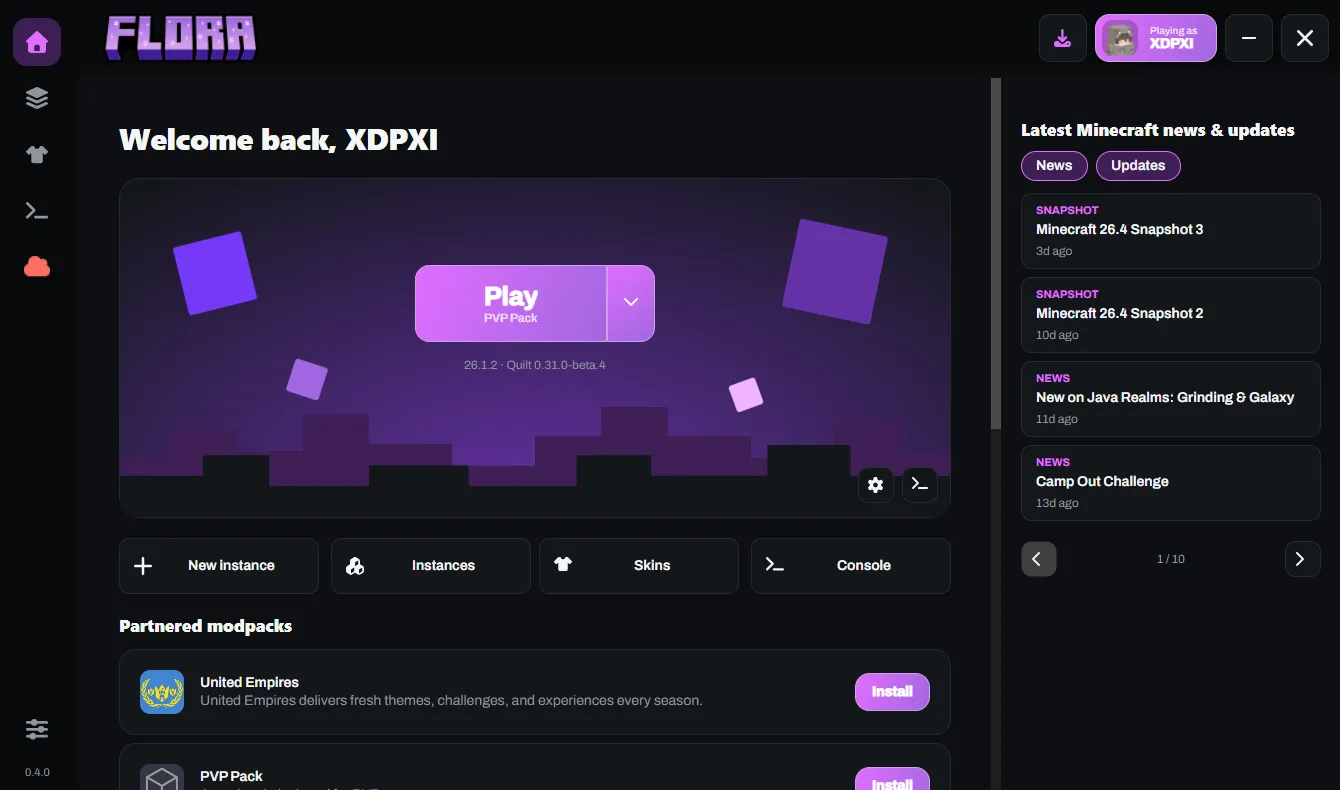
Each instance is its own Minecraft.
Give every world, server and experiment its own Minecraft version, mod loader, memory limit and Java. Duplicate an instance before you try something risky.
- Releases and snapshots, with Vanilla, Fabric, Quilt, Forge or NeoForge.
- Maximum memory, Java version and extra JVM arguments per instance.
- Flora stops you deleting or duplicating an instance while its game is running.
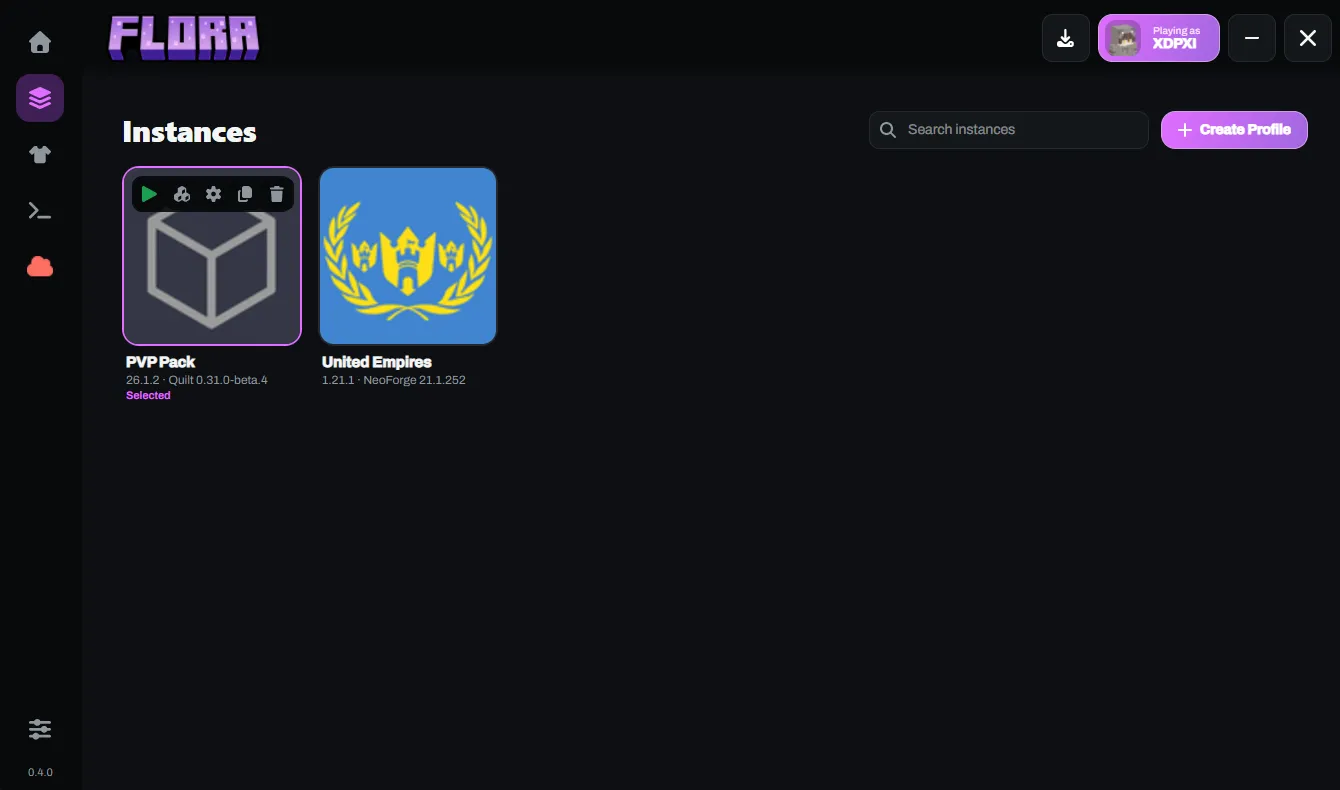
Mods and modpacks, without the file hunting.
Search Modrinth from inside the instance. Flora installs the mod, picks up the dependencies it needs, and lets you switch mods off without deleting them.
- Resource packs and shader packs install the same way.
- Install a modpack as a new instance. If anything fails along the way, the half-built instance is removed.
- Some partnered modpacks update themselves before you launch.
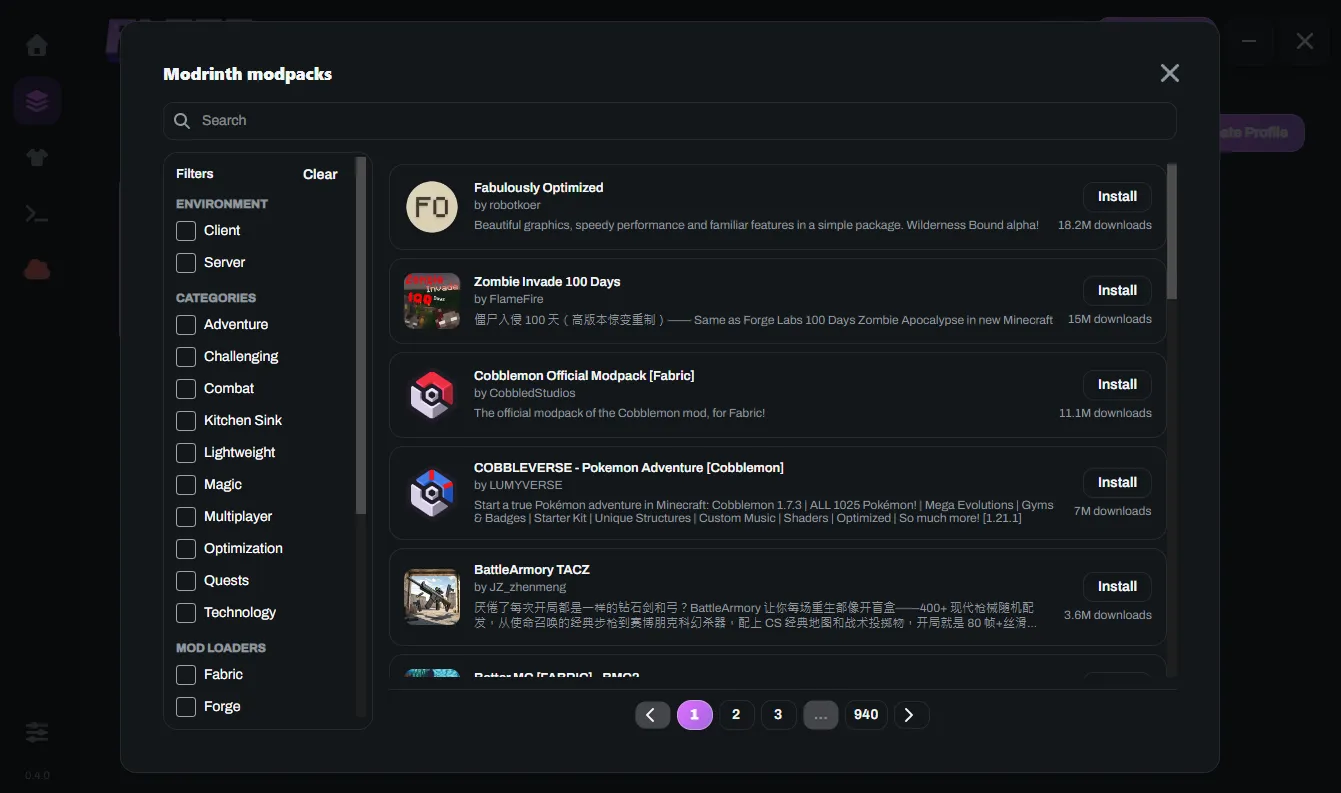
Pick a loader. Flora installs it.
- Vanilla
- Fabric
- Quilt
- Forge
- NeoForge
Forge and NeoForge run their own installers for you. Which Minecraft versions each loader supports
The rest of the day-to-day.
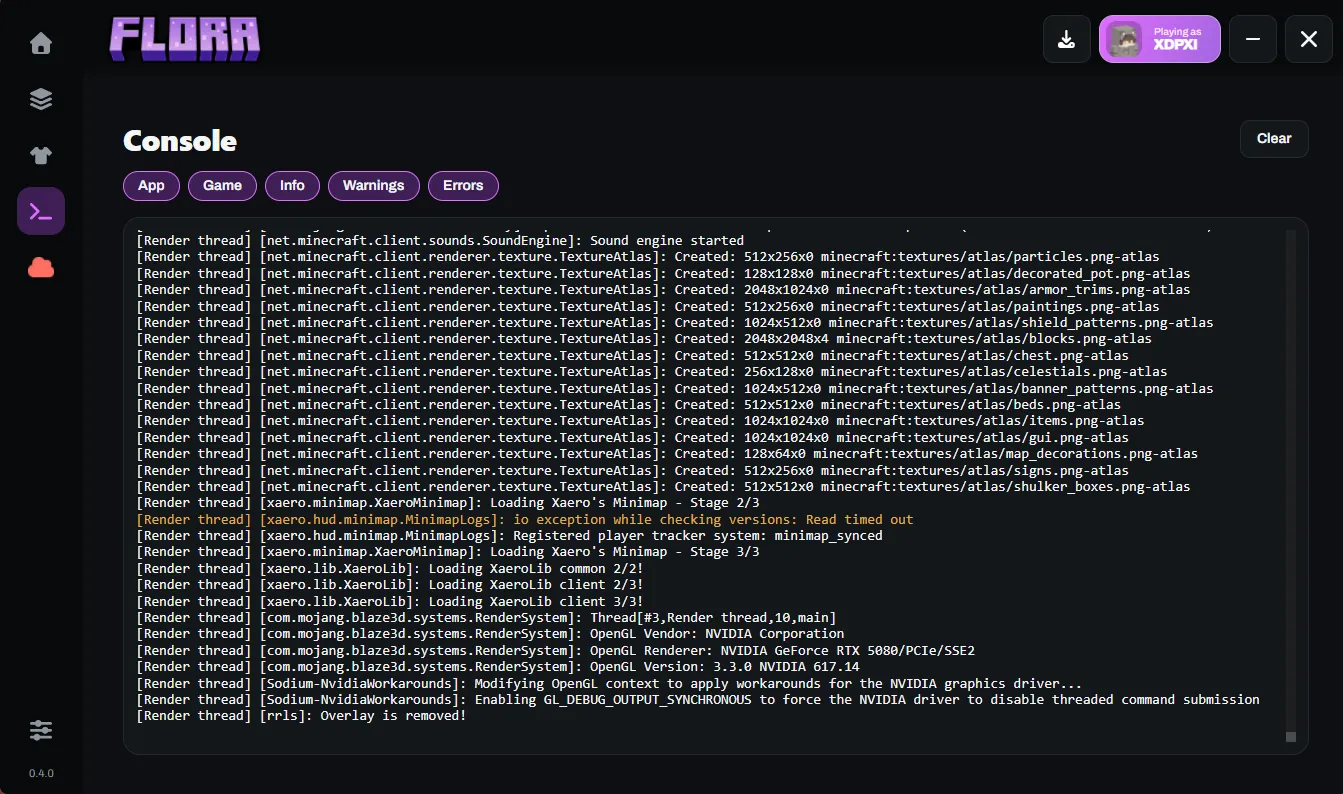
A live console you can filter, and the small things you would otherwise do by hand.
- Java, handled
- Flora picks the Java each Minecraft version needs and downloads it when it is missing. Prefer your own? Point an instance at any Java it detects or browse to one.
- Skins and capes
- Keep a library of skins from a username, a file, a link or your account. Apply one and Flora waits for the server to confirm before it shows the change. Equip or hide capes.
- Crashes explained
- When the game crashes, Home shows a short summary of what went wrong and a button to open the crash report.
- News on Home
- Latest Minecraft news and snapshot announcements sit beside the Play button.
Your account stays on your PC.
Flora has no accounts of its own. You sign in with Microsoft and the launcher talks to Microsoft, Xbox and Minecraft services directly.
- Sign-in happens in an embedded browser restricted to Microsoft’s sign-in domains.
- Only a refresh token is saved, encrypted with a key held by your system (DPAPI on Windows, the Keychain on macOS, a private key file on Linux). The Minecraft access token lives in memory.
- Tokens are masked in logs and crash reports before anything is written to disk.
- Game files are downloaded in parallel, checked against their published SHA-1 and retried when a download fails.
Get Flora Client 0.6.0.
Windows has an online installer that sets up and updates Flora for you. On macOS and Linux, install with Homebrew. The offline package works on all three.